 Otto
How to Centralize Meeting Notes and Emails in One Place
How to Centralize Meeting Notes and Emails in One Place

To centralize meeting notes and emails, stop filing them side by side and start pulling the promises out of both into one ledger. Each entry has an owner, a date and a link back to its source. Notes and emails are only the raw material. What you actually need to find later is who promised what, to whom, and by when.
This guide shows what to capture, how to build a commitments dashboard, how to write a recap email that feeds it, and which privacy checks to run first.
TL;DR
- Centralizing means one record of commitments, not one folder of documents. Notes and emails both point into it.
- Capture the same fields from every source: item, owner, timing as stated, source link and status. Track both what you owe and what others owe you.
- A useful commitments dashboard has views for overdue first, by owner, by meeting and recently closed.
- Send a short recap email after each meeting and treat replies as new commitments.
- Check consent and access before any AI tool reads your inbox or recordings. Keep approval in the loop for anything that goes out.
Table of Contents
- Why notes and emails drift apart
- What to capture from every note and email
- Choose one home for the ledger
- Build a commitments dashboard
- Turn each meeting into a recap email
- Connect the tools you already use
- Review rhythm and slipped items
- Privacy and consent checks before you centralize
- Try it with Otto
- FAQ
- Sources
Why notes and emails drift apart
A meeting happens in one place. The follow-up happens in another. The quick “I’ll send that over Friday” said out loud lands in a transcript, while the reply that changes the deadline lands in your inbox. Neither knows about the other.
Most people patch this by hand. They copy a line from the notes into a task app, paste an email into a doc, and keep the rest in their head. You become the integration layer between your own tools. It works until a week gets heavy, and then the follow-ups are the first thing to go.
The fix is not a better folder structure. Folders organize documents. A promise is not a document. It is a small record with a person, a deliverable and a time, and it can be spoken in a meeting, typed in an email or agreed in a calendar invite. So the central object should be that record.
If you want to sharpen the note-taking side first, our guide to a meeting notes format that gets followed covers structure in detail.
What to capture from every note and email
Decide on one set of fields and use it for every source. If a promise from a call and a promise from an email look the same in your system, you can sort and chase them together.
A reliable entry holds six things:
- The commitment, as a sentence. “Maria will send the revised pricing deck.” Not “pricing stuff.”
- The owner. One accountable person. If you cannot name one, it is not yet a commitment.
- Who it was promised to. This matters for consultants and chiefs of staff tracking other people’s promises.
- Timing as stated. Write what was actually said. “Next week” stays “next week” until someone confirms a date.
- The source. A link to the email thread, the transcript passage or the calendar event.
- Status. Open, waiting, done, or dropped.
Keep the wording honest
The most common failure is turning a loose remark into a firm assignment. “We should look at that” is not an owner and a deadline. Treat it as an open question until someone accepts it. A name and a date near each other in a transcript do not prove that the person agreed to anything.
A simple way to sort what you hear:
| What was said | How to log it |
|---|---|
| “I’ll send the draft by Thursday.” | Commitment, owner and date confirmed |
| “I can review it if the copy is ready.” | Conditional commitment, note the condition |
| “We should revisit pricing.” | Open question, no owner yet |
| “Let’s decide after the board call.” | Decision pending, waiting on an event |
Keeping the qualifying words matters because they decide whether the item is really due. Always keep access to the source passage so you can check the original wording.
Track both directions
A tracker that holds only your promises is half a tracker. Every email thread contains what you owe them and what they owe you. Log both. The second kind is where deals and projects quietly stall, because nobody is chasing it.
For email specifically, our walkthrough on summarizing email threads with AI accurately shows how to pull the commitments out of a long thread without losing the details that matter.
Choose one home for the ledger
Pick the place where you will actually look every morning. It can be a spreadsheet, a database in your notes app, or a purpose-built assistant. What matters is that:
- every source can feed it, whether by a person or automatically;
- every entry links back to where it came from;
- the same view shows overdue items first.
A manual version is a single table you update after each meeting and each inbox sweep. It is cheap and it teaches you which fields you really use. Its weak point is discipline: it relies on you remembering to log things when you are busiest.
The automated version reads meetings, email and calendar together and writes entries for you. That is the job Otto does. It listens in meetings, reads your email and calendar, and captures promises from all three into one ledger that it keeps chasing until each item is closed. Because everything sits in one shared memory, nothing has to be re-explained from one tool to the next.
Build a commitments dashboard
The ledger is the data. The dashboard is how you read it. Keep it plain.
Fields worth having
A strong commitments register generally records a reference and the date made, the detail and type of commitment, the accountable owner, status, who is affected, a deadline and reminders, and a link to the history behind it. Tractivity’s guide to stakeholder commitment tracking lists these fields for a formal register, and they carry over well to a personal or team ledger.
For a lean version, add two fields that pay off quickly:
- Original due date and times moved. If an item has slipped three times, that is a signal. A single “due date” field hides it.
- Source meeting or thread. One click should take you to the context.
Views that make it useful
You rarely want all entries. You want answers to four questions:
| View | Question it answers |
|---|---|
| Overdue first | What have I already let slip? |
| By owner | Who is carrying too much, or nothing? |
| By meeting or client | What came out of Tuesday’s call? What do I owe this account? |
| Recently closed | What did we finish, and is anything waiting on confirmation? |
Founders will mostly live in the overdue view. Chiefs of staff and executive assistants will lean on by owner. Consultants and agency owners need by client above everything else, since promises across many accounts are what get mixed up.
The morning question
A dashboard earns its place when it answers one thing: what should I focus on today. Today’s due items, anything waiting on someone else for too long, and anything you promised in the last two days and have not started. If your ledger cannot produce that short list, it is an archive, not a dashboard.
Turn each meeting into a recap email
A recap email does two jobs. It tells attendees what was agreed, and it creates a written record that replies can correct. Both feed the ledger.
Keep the structure short:
- Outcome. One or two sentences on what the meeting settled.
- Decisions. Only what was actually decided.
- Actions. Each with an owner, a deliverable and a deadline.
- Open questions. With who will answer and by when.
- Link to the record. One reviewed place for the full notes.
Before sending, take a minute to check that every action has exactly one owner and that no loose phrase has been promoted to a firm date. Then watch the replies. A reply that says “I can’t do Thursday, how about Monday” is a changed commitment. Update the entry and keep the original date so the slip is visible.
We have a ready-to-copy template in our meeting recap email guide, and the wider routine for closing the loop is in post-meeting follow-ups with templates and AI.
Connect the tools you already use
You do not need to abandon your task manager, chat or docs. The goal is that confirmed items, meaning reviewed tasks, summaries and follow-ups, reach the places where work already happens, such as Slack, Notion, email or your calendar. Unreviewed raw transcript text should not.
That is why integrations matter. Otto connects with more than 130 tools, including Gmail, Google Calendar, Slack, Notion, GitHub and Todoist, so a commitment captured in a call can show up where you already plan your day. If you use several AI tools that share no memory, the ledger becomes the one place they all report to.
If your meetings are mostly calls, the principle is the same for transcripts: verify what the software extracted against the original recording before you act on it, as this piece on reviewing call summaries against the source explains. For the Otto-specific method, see our four-step guide on meeting transcription that closes promises.

Review rhythm and slipped items
A ledger nobody reads decays. Set two habits:
- Daily, two minutes. Open the overdue and due-today views. Close what is done, renegotiate what is not.
- Weekly, fifteen minutes. Scan items that have moved more than once, items waiting on others for over a week, and anything with no owner. Send a nudge or reassign.
For a slipped item, do one of three things: do it, move it with a new date and tell the person it was promised to, or drop it explicitly. Silent slippage is the real problem, since the other person assumes the promise still stands.
In a manual setup, put the weekly review on your calendar. In an automated one, the assistant should flag past-due items with the days overdue and the meeting they came from, and draft the nudge for you to approve. Our piece on capturing, queueing and acting on follow-ups describes that rhythm for busy leaders.
Privacy and consent checks before you centralize
Putting meetings and email into one place also concentrates sensitive information. Check these before you start:
- Consent to record. Recording and transcription rules differ by place and sometimes require every participant’s agreement. Tell attendees at the start of the call, and confirm your local requirements with your counsel or your company’s compliance lead.
- Authorized sources only. Feed the system only what your organization is allowed to process: meeting recordings, calendar details and follow-up emails. Leave out anything under a confidentiality agreement or client restriction.
- Access. Decide who can see the ledger. A chief of staff may see everything, while a client-facing entry may need narrower access.
- Approval before sending. Nothing outbound should go without a person reading it. Otto drafts, and you decide; nothing is sent or finalized without your explicit approval.
- Vendor security. Review any vendor’s published security and governance practices, as this overview of security, compliance and governance shows for one category of tools, and ask your IT lead about retention and data location.
What we think
We built Otto on one belief: the problem is not that you lack tools, it is that none of them share a memory. A notetaker has your meetings but never saw your inbox. An email assistant has your inbox but did not hear what you promised on the call. So you end up as the glue, copying context from place to place and holding the connections in your head.
That is why we start with commitments rather than documents. Every promise, whether you made it or heard it, in a meeting, an email or an invite, goes into a single ledger, and Otto keeps chasing it until it is closed. Because it sees everything at once, it can answer the question that matters each morning: what should I focus on today.
We also think software should not act on your behalf without your say. Otto drafts the follow-up and you approve it. We would rather you stay in control than have a tool that sends things you never read.
Eddie
Try it with Otto
If you would rather not maintain the ledger by hand, Otto does the capturing for you. It reads your email and calendar, listens in meetings, and keeps one list of promises with owners and dates, chased until closed.
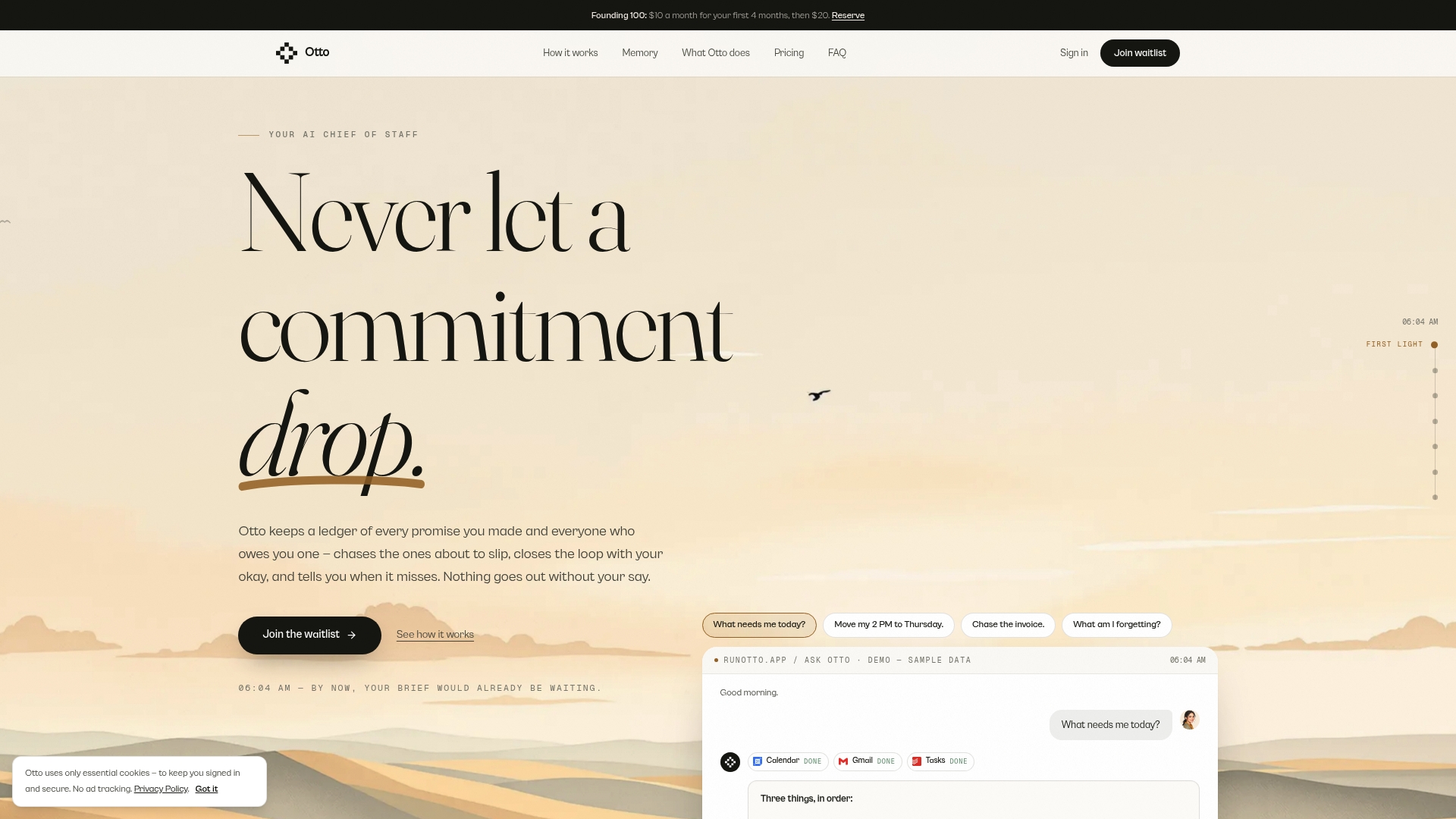
Otto has a Free plan at $0 per month, an Upgraded plan at $20 per month and a Max plan at $50 per month, with higher usage limits, integrations and advanced features on the paid tiers. You can see the plans and start on Otto.
FAQ
What is the best way to centralize meeting notes and emails?
Keep one commitments ledger that both sources feed, rather than one giant folder. Each entry has an owner, a date as stated, a status and a link to the original note or email. Choose a single view you open every morning.
Do I need a new tool, or can I use a spreadsheet?
A spreadsheet works if you log after every meeting and inbox sweep and keep the fields consistent. A tool becomes worthwhile when volume grows and manual logging starts slipping. Otto automates capture across meetings, email and calendar, with your approval on anything outbound.
How do I handle a promise that was only half agreed?
Log it as an open question or conditional item, not a firm commitment. Record the condition in the speaker’s own words and name who needs to confirm. Convert it only when an owner and a date are actually stated.
How often should I review my commitments?
Glance at overdue and due-today items daily, and do a short weekly review of anything that has moved more than once or is waiting on someone else. When an item slips, reset the date and tell the person it was promised to.
Can AI read my email and meetings safely?
Only with consent and clear access limits. Tell participants when you record, limit the tool to sources your organization may process, and keep human approval on anything sent. Check your local recording rules with counsel.