 Otto
How to Track Work Promises Before They Slip
How to Track Work Promises Before They Slip

To track work promises, give every commitment one home. Write down what you promised, to whom and by when, the moment you say it. Review that list on a fixed rhythm, and renegotiate early when something will not make it. Most missed follow-ups are not laziness. The promise was made in a meeting, an email or a Slack thread, and it never reached a list you actually look at.
This guide shows how to build that system by hand, what each entry needs, and how to stop copying context between apps.
TL;DR
- A work promise is a specific action, owed by a specific person, to a specific person, usually with a time frame. Offhand remarks count too.
- Capture promises where they are made: meetings, email, chat. Then move them into one ledger, not five.
- Record what, to whom, by when, where it was said and its status. Never delete a status; update it.
- Review open promises weekly, and when one will slip, renegotiate early with two options.
- Connect your apps to the ledger instead of retyping between them, so you avoid duplicate work.
Table of Contents
- What counts as a work promise
- Capture promises where they are made
- What to record for each promise
- Review and prioritize open promises
- Follow up, renegotiate and recover
- Connect your apps without doing the work twice
- Perspective: the person should not be the integration layer
- Where Otto fits
- FAQ
- Sources
What counts as a work promise
A promise is not the same as a task, a goal or an idea. Getting the definition right decides what goes on your list.
Academic work on email defines a commitment as a message that promises or offers future action by the sender or an identifiable third party. The same paper breaks it into who will act, for whom, what the action is and any condition attached. It also notes that an unassigned action, such as “lunch will be served at the meeting”, is not a commitment, because nobody specific owns it.
Project management writing draws a similar line. A promise is a commitment to produce a specific action or result in an agreed-upon time frame, and a request is something asked of a specific person for a specific result in a defined time frame. A request becomes a promise once someone accepts it.
Overt and implied promises
The obvious ones are easy: “I’ll send the proposal Thursday.” The dangerous ones are casual. A recent Globe and Mail piece on the radical-promise framework separates overt promises from implied ones, such as “we should get together” or “I’ll take a look”, which can land as real commitments when people depend on you.
A working test: if the other person walks away expecting something from you, it is a promise. Log it.
Promise, task, goal
A task names an action. A goal names a result. A promise sits between them and adds an owner and an audience. “Update the pricing page” is a task. “Get the pricing page live this quarter” is a goal. “I’ll have the new pricing page to Dana by Friday” is a promise, and it is the only one of the three where someone else is waiting.

That is why promises deserve their own ledger. Your task manager holds what you plan to do. The ledger holds what you told other people you would do.
Capture promises where they are made
Promises are born in three places: spoken in meetings, typed in email, and dropped in chat. Each leaks differently.
- Meetings: the promise is spoken, and the notes, if any, bury it in a summary. Capture it before the next meeting starts.
- Email: the promise sits in a sent message you have already forgotten. Search your sent folder for phrases like “I’ll send”, “I will follow up” and “let me check”.
- Chat: promises hide in threads and reactions. A thumbs-up on “can you look at this?” is a yes.
The Globe and Mail article recommends a simple habit for building awareness: keep a “contract journal” and mark down each commitment for a week. Do this once, even if you plan to automate later. Most people find they make far more promises than they thought, and many of them are the offhand kind.
A five-minute capture routine
- After each meeting, scan your notes for any sentence where you or someone else said “I will” or “we’ll”.
- Write each one as a line in the ledger, using the fields below.
- At the end of the day, skim sent email and chat for anything you agreed to.
- If a promise is vague, sharpen it now. An open-source commitments skill suggests pushing back once at capture time by asking what the other person heard you promise.
That last step matters. Most conflicts over broken promises are really conflicts over two people remembering different promises.
What to record for each promise
A promise without a deadline or an audience is a wish. The commitments skill above records each promise with what was promised, to whom, by when, where it was said, the stakeholder and a status of open, done, renegotiated or dropped. That is a good minimum.
| Field | Example | Why it matters |
|---|---|---|
| What | Send revised scope document | One clear action, not a topic |
| To whom | Dana Reyes, client lead | Tells you who is waiting |
| By when | Friday, end of day | Turns intention into a deadline |
| Where said | Tuesday kickoff call | Lets you find the original wording |
| Status | Open, done, renegotiated, dropped | Shows the real state at a glance |
| Condition | After legal signs off | Captures dependencies |
The condition field comes straight from the academic definition of a commitment, where a condition is an optional part of the tuple.
Never delete, only update
The same skill states that statuses are never deleted, only updated, because the history of renegotiations is the useful data. That is worth copying. When you can see that you renegotiated the same kind of promise four times, you have learned something about your estimates, your workload or one particular client.
Review and prioritize open promises
A ledger you never read is a graveyard. Build a review into your calendar.
The weekly pass
A weekly review for freelancers starts by pulling together every place work might be hiding, email, chat apps, notes, the task manager, calendar reminders and more, into one temporary list. It then asks questions such as what is unfinished, which deadlines are real and where you are overcommitted.
Adapt it for promises:
- Sweep sources for new promises you missed in the moment.
- Sort open promises by due date, then by who is waiting.
- For each one, pick an action: do it, schedule it, renegotiate it or drop it with notice.
- Count the total.
Another completion-habit lesson recommends reviewing open loops on a fixed weekly cadence, keeping closure actions small enough to finish during the review, and writing down decisions so a paused item has a reason. If you want a ready-made routine, our 30-minute weekly review process walks through one.
Read the load as a signal
The commitments skill frames the count of open promises as a diagnostic. If the number only ever grows, that is not a busy quarter but an accumulating default. For each slipping item the options are to deliver, renegotiate or consciously drop it with notice. Hope is not an option.
Say a better yes
Before accepting a new ask, read your open ledger. The same source suggests listing the top two or three relevant committed items and asking which should move if the new request is urgent. It calls this an honest no that is a prioritization question routed to the person entitled to answer it. You are not refusing. You are showing the trade-off. If you need a framework for ranking what stays, see our guide to choosing a task prioritization framework.
Follow up, renegotiate and recover
Tracking is half the job. The other half is the conversation when a promise is overdue, yours or someone else’s.
When you can’t keep your own promise
Guidance on renegotiating a commitment advises you to name what changed, consider what the other person needs, bring two options and speak early. The two options are a smaller scope by the original date, or the full scope by a later date.
A short template:
“The vendor data arrived two days late, so the full report won’t be ready Friday. I can send the summary section Friday, or the complete report next Wednesday. Which helps you more?”
Mark the ledger entry as renegotiated, with the new date. Do not overwrite the old one.
Build the exit into the promise itself. A project management consultant argues that effective promises should include a condition to communicate back if you cannot deliver before the deadline. That makes it safer for a team to promise bigger things, not only sure things.

When someone else misses a promise
One approach to calling out a broken promise uses three sentences: the promise in their words and date, the gap, and the ask, with two clean exits: send it, or name a new date. If the same person misses the same commitment three times, the same source suggests moving the thread to email or a shared document where dates survive.
Tracking what others owe you matters as much as tracking what you owe. Our setup for tracking emails you are waiting on covers that side.
Connect your apps without doing the work twice
Most people’s promises already live in several apps: a calendar, an inbox, a chat tool, a task manager, maybe a project board. A tracking system fails when it adds one more place to retype things into. Three rules prevent that.
- One ledger is the source of truth. Other apps feed it or display it. They do not hold their own copy of the same promise.
- Link, don’t copy. Store a reference to the original email, message or meeting, and write the promise once.
- One sync direction per item. If a promise becomes a task elsewhere, decide which side owns the due date. Two owners means two dates, and soon neither is right.
The calendar is the usual trouble spot. Our piece on one rule for calendar and task sync goes deeper on keeping dates aligned. If your commitments come out of chat, see how to turn Slack messages into tasks. If engineering work drives your promises, GitHub notifications can become one tracked task instead of a pile of alerts.
If you use AI to capture promises
Automated capture saves effort, but keep a human in the loop. One catalog of agent design patterns says an agent must not mark its own commitment as followed through in the same turn that produced it. The audit should run as a separate pass against an independent record of action. In practice: let software draft and flag, but make sure closing a promise rests on evidence, such as a sent message, and on your approval.
Perspective: the person should not be the integration layer
We built Otto around one observation. Every tool is clever inside its own box and blind outside it. A notetaker has your meetings but has never seen your inbox. An email assistant has your inbox but has no idea what you promised out loud on a call. So you become the integration layer, carrying context from app to app and holding the connections in your head.
That is exactly where promises die. The promise made on Tuesday’s call and the email that depends on it never meet, unless you remember to connect them.
Our answer is one shared memory. Otto listens in meetings, reads email and calendar, and captures every promise made in any of them into a single ledger that it keeps chasing until it is closed. Because it sees everything at once, it can answer the question that matters each morning: what should I focus on today.
And nothing is ever sent or finalised without your approval. Otto drafts, you decide. We think that is the right split: the software holds the memory, and you keep the judgment.
Eddie
Where Otto fits
If you would rather not maintain the ledger by hand, Otto is built to do that job. It captures promises from meetings, email and calendar, tracks them as commitments, drafts follow-ups and reminders for your approval, and connects to more than 130 tools including Gmail, Google Calendar, Slack, Notion, GitHub and Todoist.
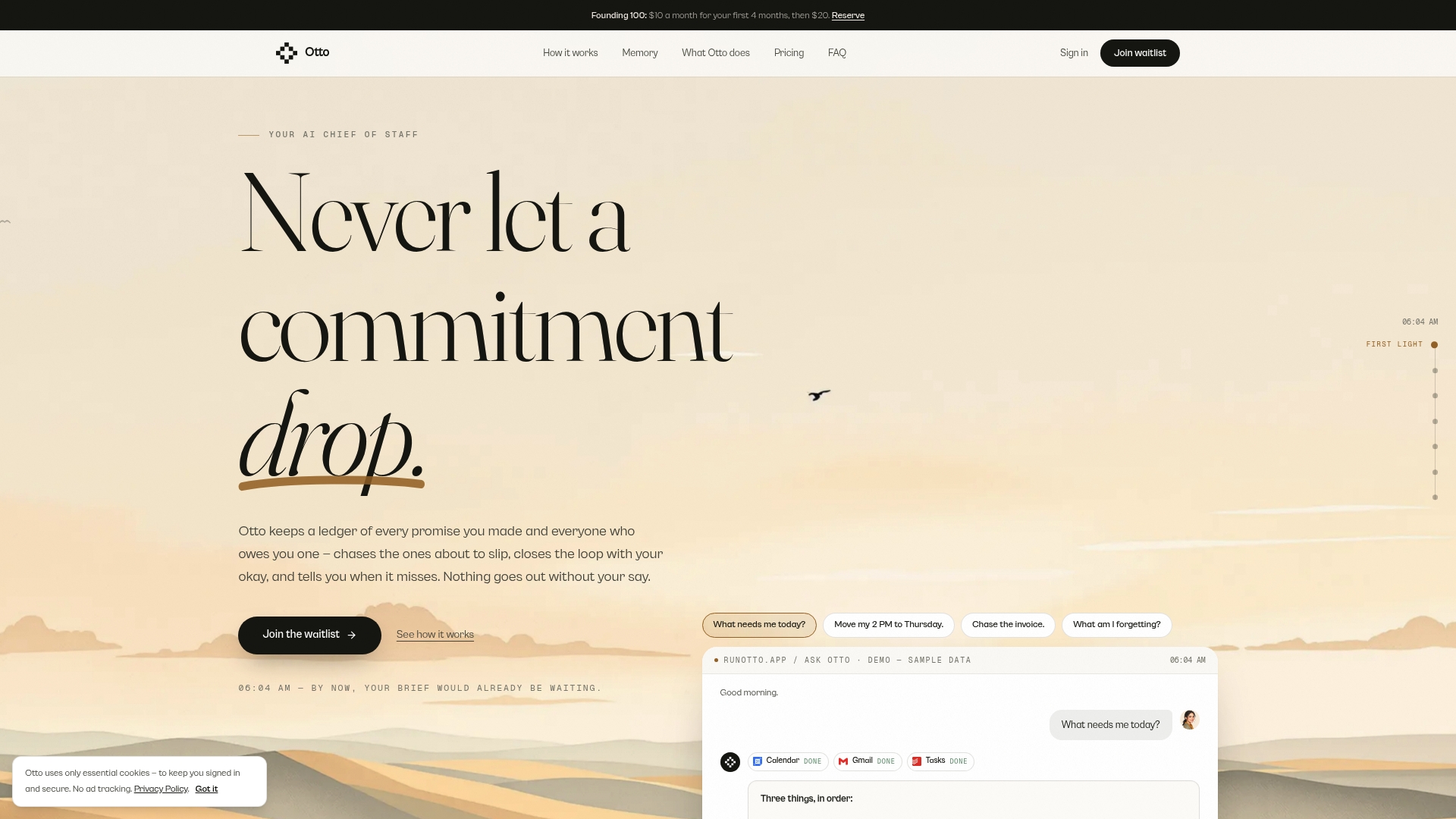
There are three plans: Free at $0 per month, Upgraded at $20 per month and Max at $50 per month, with higher usage limits, integrations and advanced features as you move up. You can start with Otto and see which promises you are carrying today.
FAQ
What is the best way to track work promises?
Use one ledger with a fixed set of fields: what, to whom, by when, where it was said and status. Capture promises right after meetings and at the end of each day, then review the whole list weekly. The tool matters less than having a single place that you actually open.
What is the difference between a promise and a task?
A task is an action you plan to do. A promise is an action you told a specific person you would do, usually by a specific time. Research on commitments in email defines them by who will act and for whom, which is why a vague, unowned action does not count.
Do offhand comments like “I’ll take a look” count?
Yes, when the other person is likely to rely on them. The radical-promise framework calls these implied promises, and they can land as commitments when people trust or depend on you. If in doubt, log it, then sharpen it by confirming what you will do and when.
What should I do when I can’t keep a promise?
Tell the person early. Explain what changed, then offer two options: a smaller scope by the original date or the full scope later. Update the ledger status to renegotiated and keep the history, so you can see patterns over time.
Is it safe to let AI track my commitments?
It can be, if you keep approval and verification in your hands. Let the software capture and draft, but have you approve anything sent, and confirm completion against a real record such as a sent email, not the AI’s own say-so.
Sources
- The Nature of Requests and Commitments in Email Messages (AAAI, 2008)
- Staying in Action: The Effective Use of Requests and Promises (Project Management Institute, 2001)
- Sign the radical promise and hold yourself 100-per-cent accountable (The Globe and Mail, 2026)
- Commitments skill, bettersense (GitHub)
- Weekly Review System for Freelancers (hardwork.live, 2026)
- Building a Completion Habit (ryanleej.com, 2026)
- How to Renegotiate a Commitment at Work (Truest, 2026)
- How to call out a broken promise without a fight (Unvent, 2026)
- Commitment Tracking, Agent Patterns Catalog (2026)